Game guide · BJHRWTGDGC
Know the goal in 16x16 Sudoku
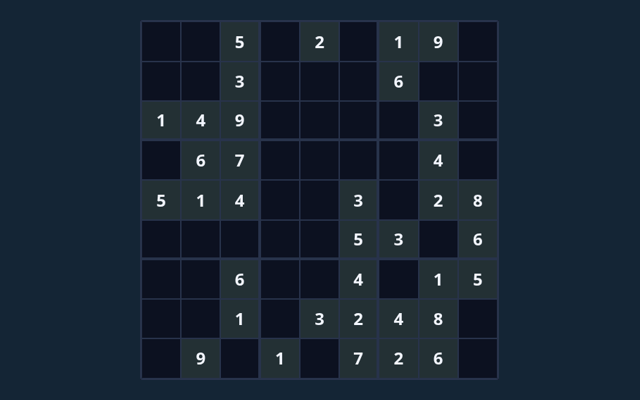
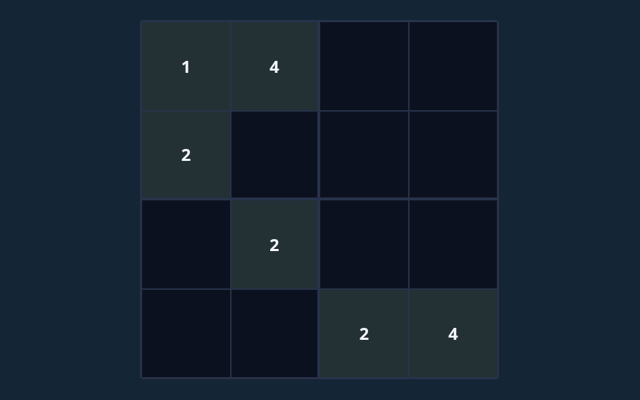
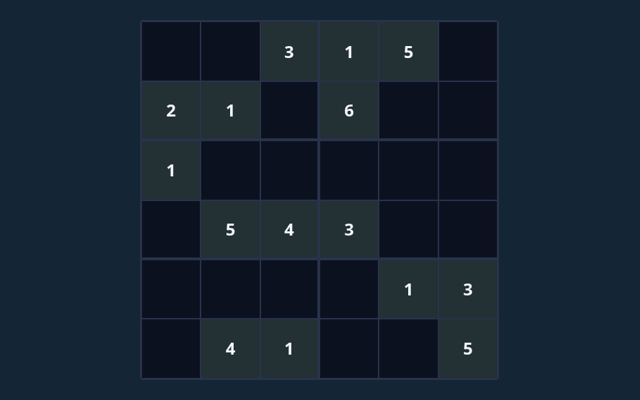
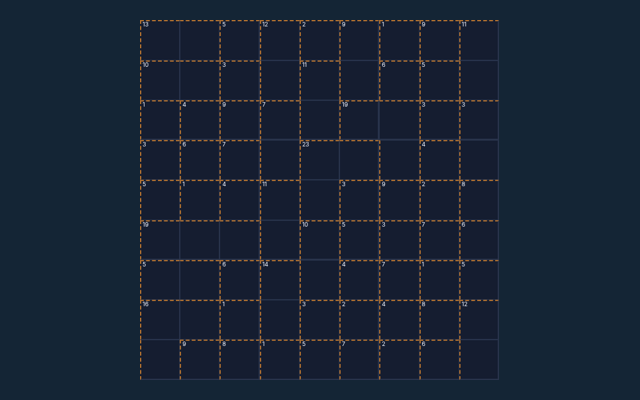
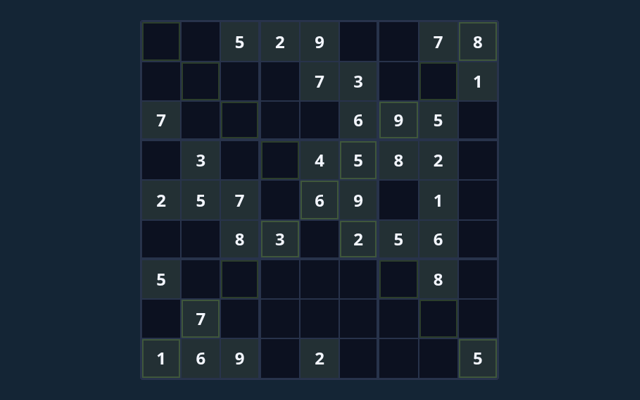
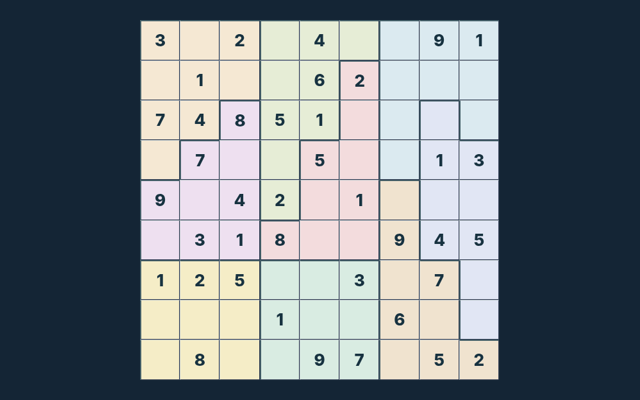
Read the aim of 16x16 Sudoku, then make your first move. Fill all cells with 1–9 and A–G; do not repeat a symbol in any row, column or region. Use the example below to understand a decision. Check the rule that explains your first action. Look at what changes after your first action.
A small practice goal
Watch the feedback after an action. A message can explain whether the input was accepted or whether a rule needs attention. Notice the feedback after each input.
The challenge in front of you
Fill all cells with 1–9 and A–G; do not repeat a symbol in any row, column or region. The feedback beside the game helps you follow the round. Check the rules when you are unsure.
Making your moves
- Select an empty cell. The original clues cannot be edited.
- Choose a symbol from the number pad, or type it on a keyboard.
- Turn Notes on to record candidate symbols without committing an answer.
- Use Check entries to check your filled values. Hint reveals one value from the verified solution.
- Complete the board, or choose New puzzle for another board.
Controls
Tap or click a cell and use the number pad. Keyboard: arrows select cells; digits (and A–G on 16×16) enter values; Backspace erases. Read a button’s label before selecting it. Use the visible help when you are unsure of the next input.
Try this example
Before filling a cell, compare the symbols already used in its row, column and 4 × 4 region. A candidate must be absent from all three. Compare this with the rule that governs the move. Keep the game’s format in mind.
A common point of confusion
Notes are reminders, not final entries. A full board only counts as complete when it satisfies every rule. Take a moment to reassess the position before continuing. Watch the feedback after an action. A message can explain whether the input was accepted or whether a rule needs attention.
Helpful answers for players
Before I begin, what is the goal of 16x16 Sudoku?
For clarity: Fill all cells with 1–9 and A–G; do not repeat a symbol in any row, column or region.
How do I control 16x16 Sudoku?
Here is the relevant explanation: Tap or click a cell and use the number pad. Keyboard: arrows select cells; digits (and A–G on 16×16) enter values; Backspace erases.
What example helps explain 16x16 Sudoku?
Here is the relevant explanation: Before filling a cell, compare the symbols already used in its row, column and 4 × 4 region. A candidate must be absent from all three.
What should I watch out for in 16x16 Sudoku?
For clarity: Notes are reminders, not final entries. A full board only counts as complete when it satisfies every rule.
When I return, what format does 16x16 Sudoku offer?
Play using the solo mode shown on this page. Read the controls before starting a new round.
On this playing page, which play mode does 16x16 Sudoku use?
Keep this in mind: The mode on this page is Solo. Same-device play uses one screen; this game library does not provide internet matchmaking.
As a new player, where should I start with 16x16 Sudoku?
The key detail is this: Select an empty cell. The original clues cannot be edited.
For this browser game, do I need an account or a payment for 16x16 Sudoku?
No player account or payment is needed. Game scores are recreational results, not cash prizes.
As a new player, how can I find 16x16 Sudoku again?
Use the Games list or save this game page in your browser bookmarks. The Guide is linked from the playing page.
As a new player, how do I report an issue with 16x16 Sudoku?
Keep this in mind: Use the contact form and include the game name, browser, device and the actions that led to the issue. Do not send passwords or payment details.